Build a meal plan you can live with
Your goals, food preferences and cooking time help shape your plan. See the nutrition for each meal, swap meals as your day changes, and turn your plan into a grocery list.
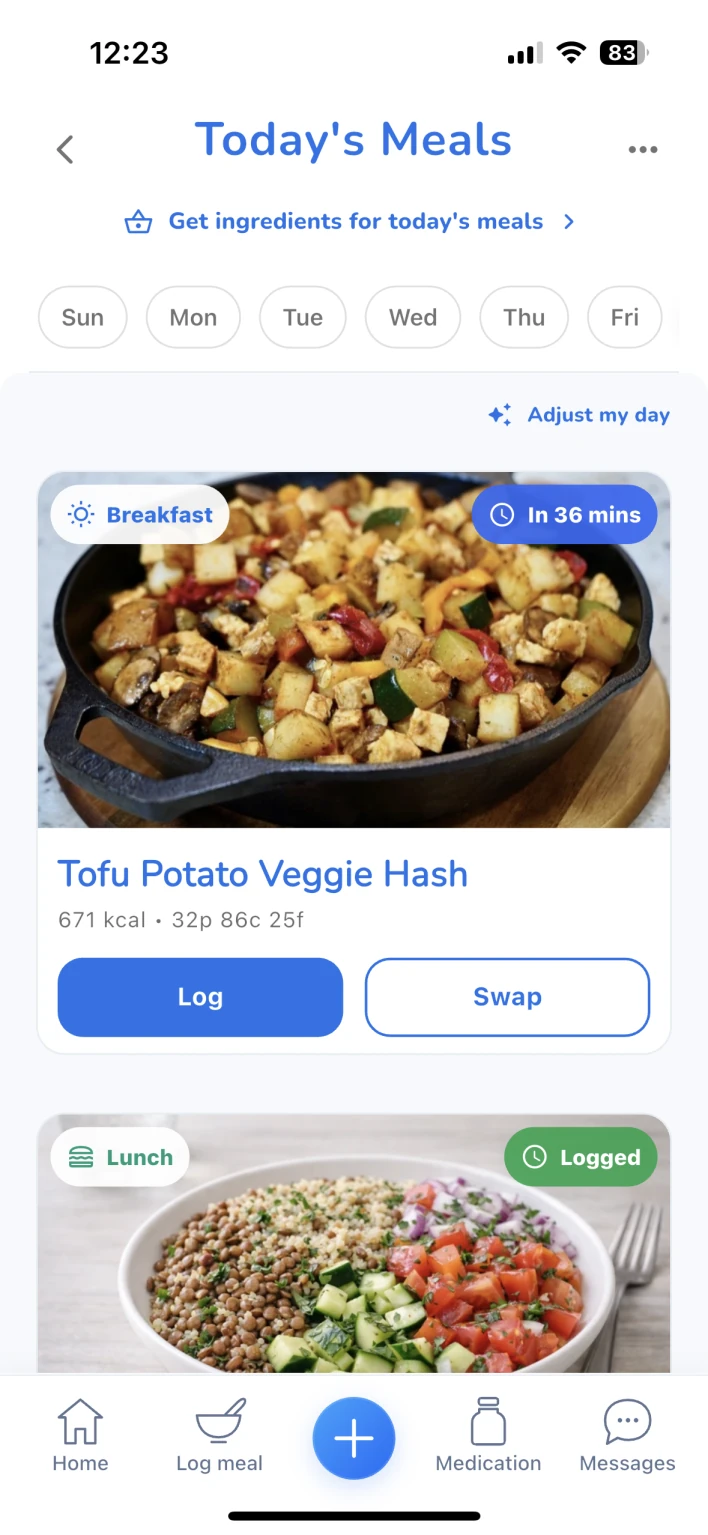
Plan meals around what you like to eat, track food and medication, and message your pharmacist between appointments.
Available in English and العربية

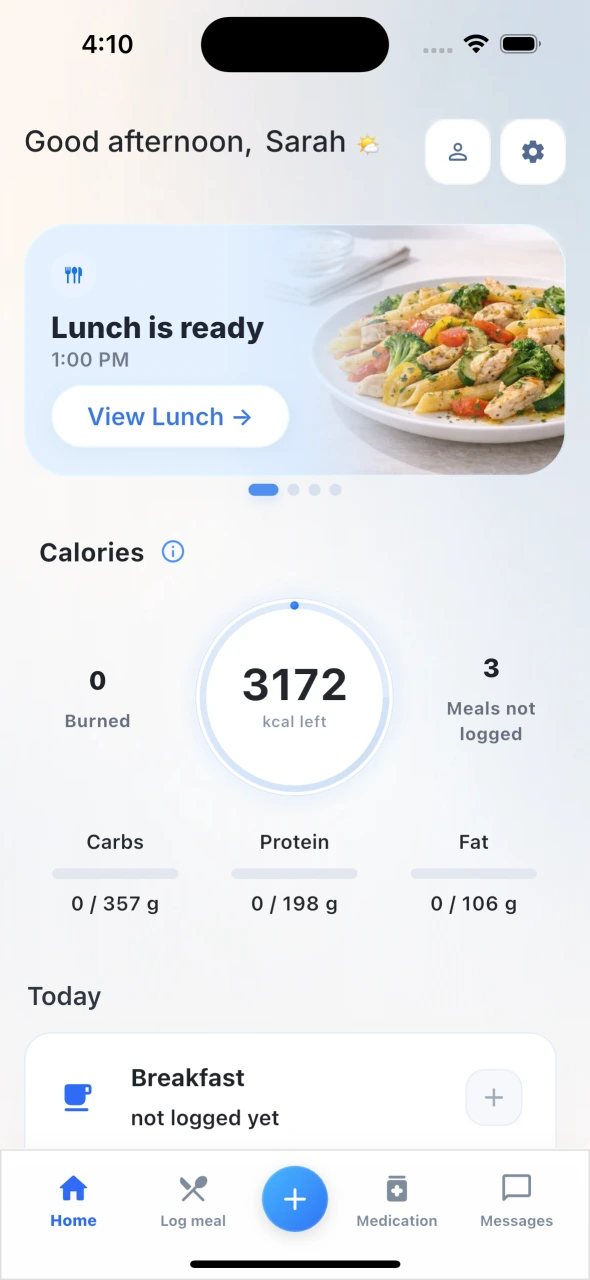
Your goals, food preferences and cooking time help shape your plan. See the nutrition for each meal, swap meals as your day changes, and turn your plan into a grocery list.
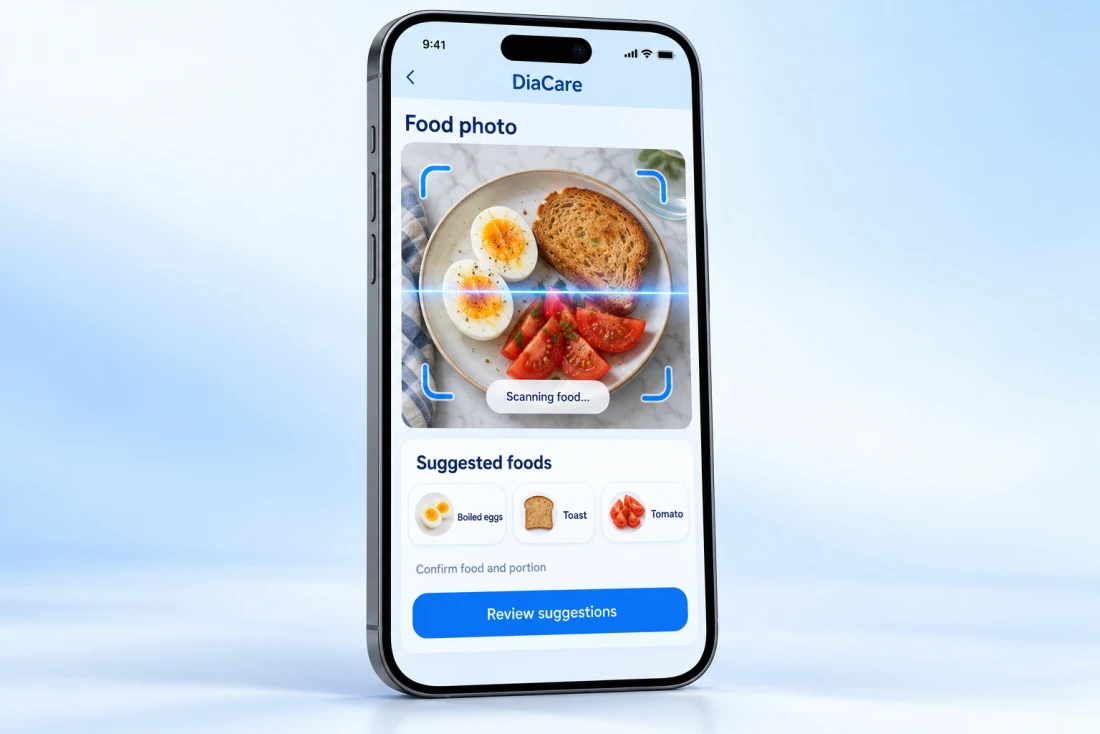
Search for a meal, scan a packaged food barcode, or take a photo for suggestions. You review the foods and portions before saving.
DiaCare uses recent food and activity entries to suggest practical next steps and explain the context. Open your daily view to see what you’ve logged alongside your nutrition and activity goals.
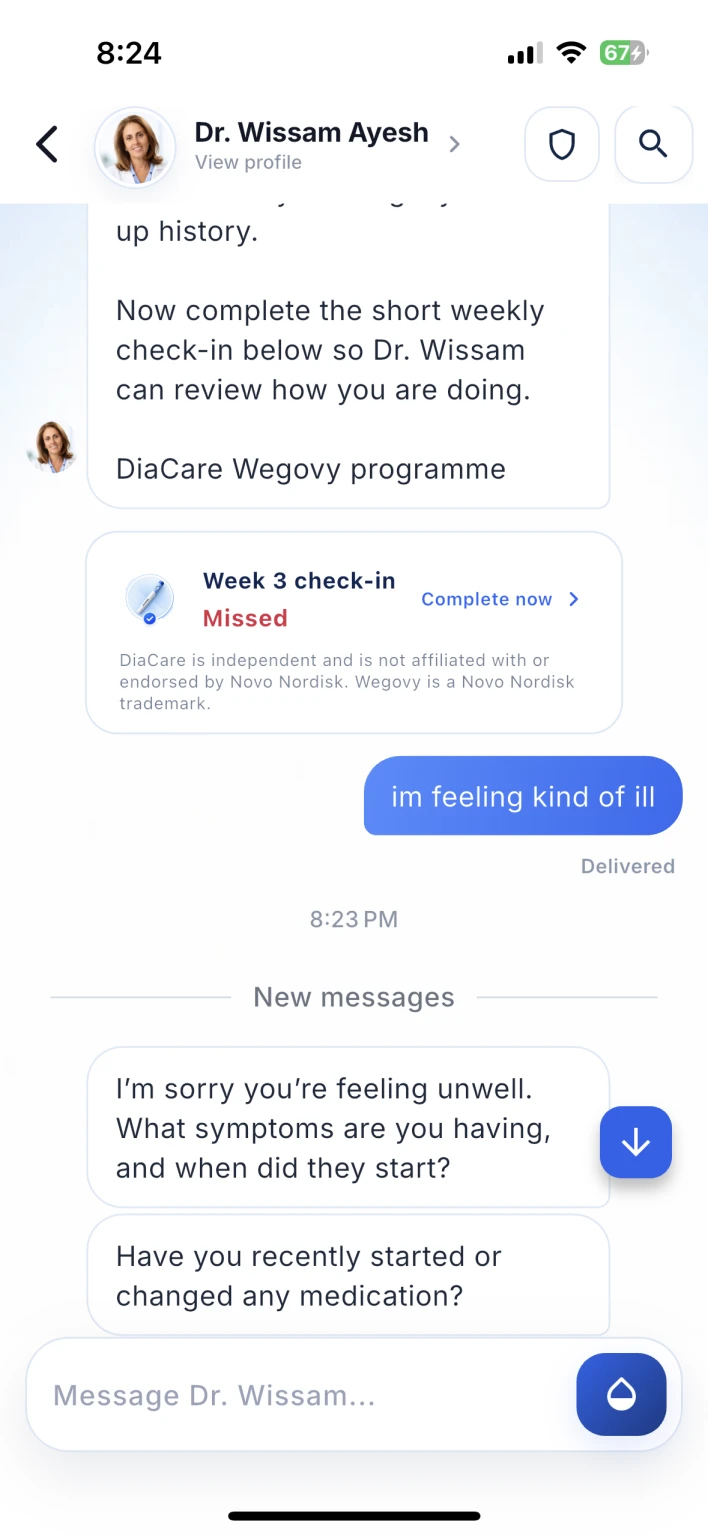
Explore health trackingSend a question, photo or voice note when something comes up. Your conversation stays in the app, so you can come back to the reply when it’s available.
 Meet Dr. Wissam AyeshPharmacist and diabetes educator
For emergencies, contact local emergency services.
Tell us you’re interested in the app. We’ll explain your access options and any fees.
Ask about app accessYes. DiaCare is available in English and Arabic.
Yes. You can find the appointment booking link on the app features page.
Visit account help for contact options.